15 Days of Salesforce Headless 360 (AIforce)
From MCP Basics → AI Integration → Enterprise Architecture
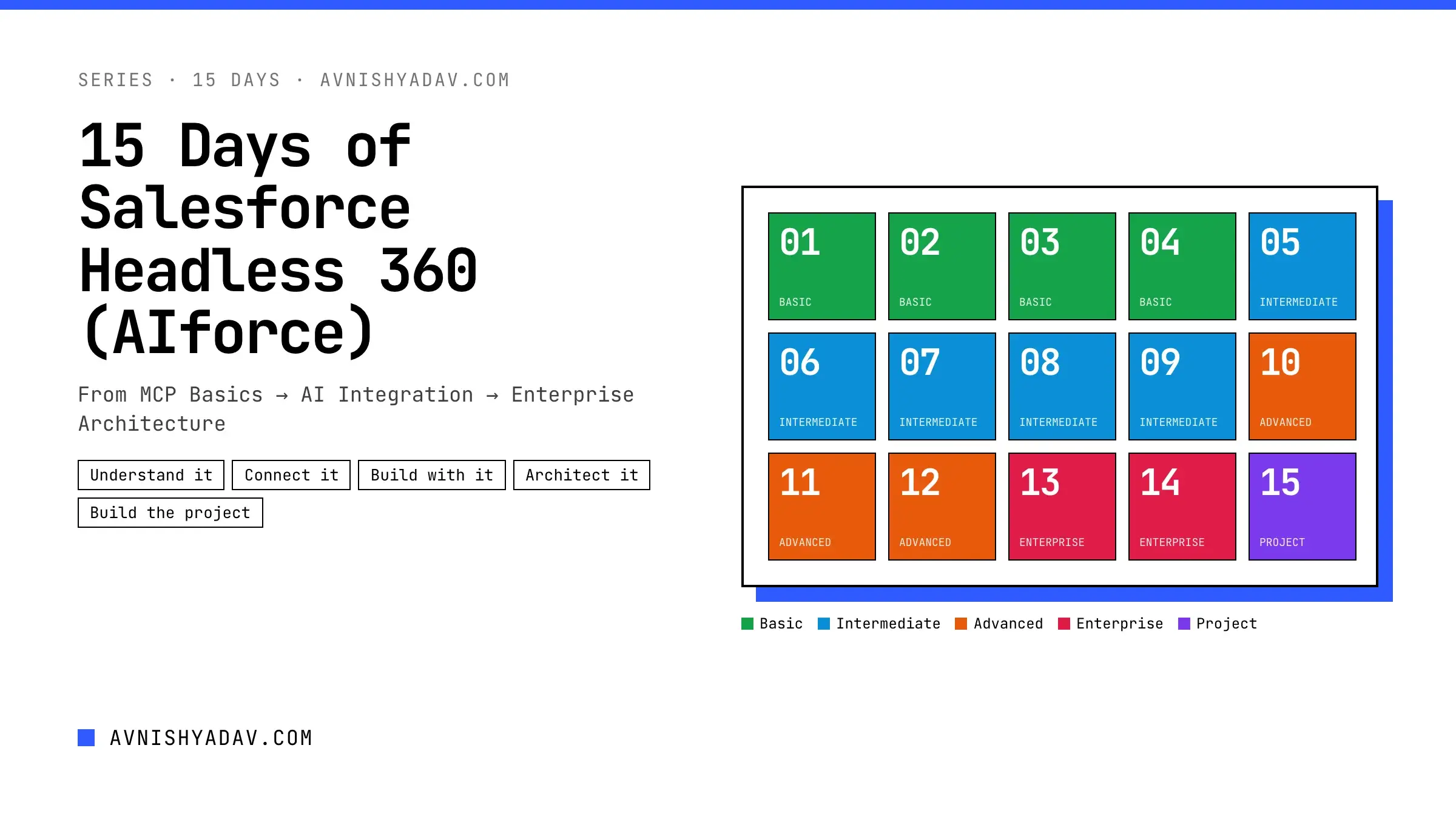
A hands-on, 15-part course on Salesforce Headless 360, which Salesforce renamed AIforce in September 2026: the platform capabilities it opened up to agents and code at TDX 2026, now delivered through the Headless Toolkit. You start with what it is and how MCP works, connect Claude to your org through Salesforce's hosted MCP servers, read and write data safely, turn Apex and Flow into custom tools, design for security and production, and finish by building a complete headless AI assistant with Next.js. Every day ships with a cheat sheet, working code and the Salesforce docs it was verified against.
- Days 1–4 Understand it
- Days 5–7 Connect it
- Days 8–10 Build with it
- Days 11–14 Architect it
- Days 15 Build the project
Understand it
Days 1–4What Is Salesforce Headless 360 and Why Does It Matter?
Salesforce Headless 360, now called AIforce, opens the platform to agents and code. What it is, what the rename changed, what is GA or beta, and how to get ready.
Day 02Headless 360 Architecture Explained
Follow one request through Salesforce Headless 360 (AIforce): client, identity, MCP server or API, platform and back. Plus when to use MCP and when to call the APIs directly.
Day 03MCP Fundamentals: Client, Server, Tools & Resources
The Model Context Protocol behind Salesforce Headless 360 (AIforce): hosts, clients, servers, tools, the stateless 2026-07-28 lifecycle, and a local MCP server you build and inspect.
Day 04Enable & Configure the Salesforce MCP Server
Switch on Salesforce's hosted MCP servers, part of Salesforce Headless 360 (AIforce): the exact Setup path, which server to start with, the right URL for your org, and a server inventory.
Connect it
Days 5–7OAuth 2.0, PKCE & External Client App Setup
Create the External Client App every MCP client needs: the mcp_api and refresh_token scopes, PKCE, JWT tokens, and a tested PKCE helper in TypeScript.
Day 06Connect an AI Client to Salesforce via MCP
Connect Claude to Salesforce's hosted MCP servers: a custom connector in claude.ai and Claude Desktop, a direct server in Claude Code, and your first read-only prompts.
Day 07Explore Salesforce MCP Tools & sobject-all
What Claude can actually call in your org: the 11 sobject-all tools, the smaller servers, how to read a tool definition, MCP Inspector, and the beta Headless 360 server.
Build with it
Days 8–10Read Salesforce Data Using Natural Language
Ask Salesforce questions in plain language and trust the answers: how Claude picks soqlQuery, find or getRelatedRecords, prompt patterns, verification and limits.
Day 09Create & Update Salesforce Data Safely
Let Claude write to Salesforce without losing control: what still runs on every write, the propose, confirm, execute, verify loop, and a confirm-before-write pattern for your own app.
Day 10Build Your First AI + Salesforce Workflow
Turn a chat into a workflow: a read-only meeting prep brief built with Next.js, the Claude API's MCP connector and Salesforce hosted MCP servers.
Architect it
Days 11–14Security Architecture: OAuth, Permissions & Least Privilege
A threat model for AI clients on Salesforce, the layers that contain them, where tokens go, why there is no integration user, and a least-privilege permission set explained line by line.
Day 12Custom MCP Tools + Apex/Flow Business Logic
Publish your own Apex and Flow logic as tools on a custom Salesforce hosted MCP server, so the model calls your business rules instead of inventing them.
Day 13Headless 360 + Agentic AI Architecture
One assistant, a planner with tools, or several agents? Where Agentforce fits, what the beta Headless 360 MCP Server changes, and native React versus Next.js.
Day 14Production Architecture: Governance, Monitoring & Error Handling
Take a Salesforce AI assistant to production: who approves tools, what Salesforce logs, how to classify and retry errors, and which limits and costs to plan for.