Apex Heap Limit Raised to 10 MB in Winter '27
Winter '27 raises the Apex heap limit from 6 MB to 10 MB synchronously and 12 MB to 25 MB asynchronously. Nothing to enable — here's what actually fits now.

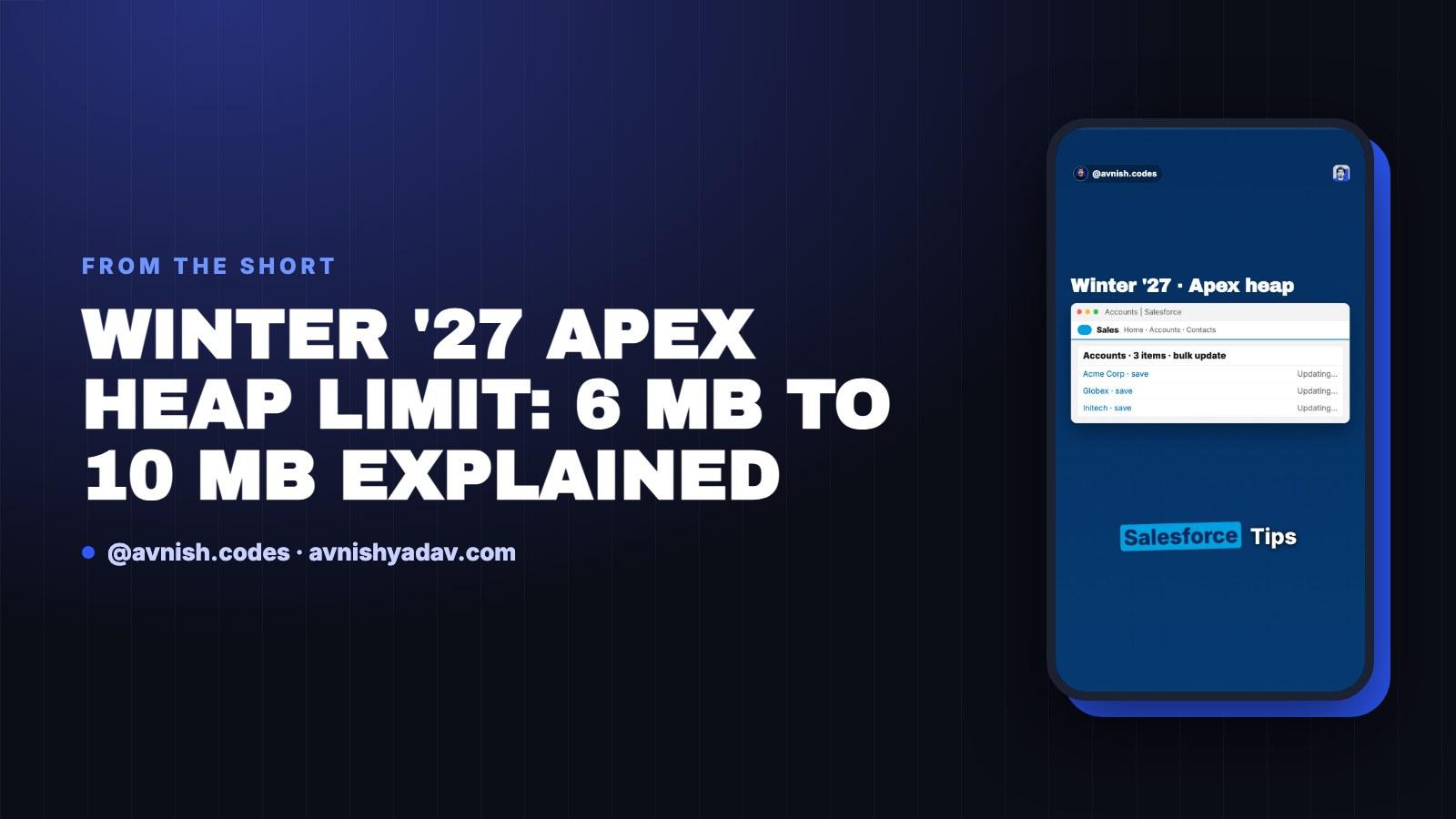
Winter '27 raises the Apex heap limit: synchronous transactions go from 6 MB to 10 MB, asynchronous from 12 MB to 25 MB. There is no checkbox to tick and no critical update to activate — it lands with the upgrade. What follows is what the ceiling actually caps, how the numbers work out in records, and the one setting worth knowing if your sandbox moves before production does.
What the heap limit actually caps

The heap limit is the ceiling on everything a single synchronous transaction holds in memory — collections, strings, deserialized JSON, the lot. It is not a query row limit and it is not a CPU limit. Heap is about how much stuff you are holding at once, not how long you hold it or how many rows you asked for.
That distinction matters because heap errors and row limits get conflated all the time. A System.LimitException: Apex heap size too large means you built a map, list or string bigger than the cap. Winter '27 moves the cap. It does not change what counts against it — same objects, same serialization overhead, same cost per record. A pattern that was wasteful at 6 MB is equally wasteful at 10 MB; it just has further to run before it throws. For the wider family of limits heap sits inside, the Apex governor limits walkthrough covers the ones that bite most often.
Synchronous 10 MB, asynchronous 25 MB
The synchronous cap goes from 6 MB to 10 MB. That is roughly a 66% increase in the memory a single transaction can hold. Async heap goes from 12 MB to 25 MB, covering the asynchronous contexts you already run: Queueable, Batchable, and the rest of the async family.
Nothing needs to be enabled. The change lands on upgrade, which means code that was sized around the old 6 MB ceiling now has more room without a single line changing.
In absolute terms async is the bigger jump: 13 additional megabytes rather than 4. If you had split a Queueable chain or trimmed a batch scope purely because of heap, that headroom is now real. It changes how much you can legitimately hold in one async transaction.
The math: 10,000 accounts is about 10 MB

The useful way to read the new number is in records, not megabytes. Ten thousand accounts in a map works out to roughly 10 MB. On the old 6 MB cap, that same map blew up at around record six thousand.
Same map, same records, same code. You changed nothing. The ceiling moved, so ten thousand fit — with nothing to spare. That last part is the bit people skip over: at 10,000 accounts against a 10 MB cap you are at the edge, not comfortably under it. Sizing to the new limit means the next field you add to the query, or the next extra string you build, can put you back over.
Read the numbers as a starting measurement, not a spec. Field count, string length and how much you deserialize all move the per-record cost, so the only record count that matters is the one you measure yourself.
Keeping the old limit when you deploy to older prod

Here is the case that catches people: you deploy from a Winter '27 sandbox to a production org that has not upgraded yet. Production still enforces the old limit, and code that passes in the sandbox against 10 MB can fail on deploy or at runtime.
Apex Settings can keep the old limit until production upgrades. That is the switch to reach for if your sandbox moves first and you need the target org to behave predictably in the gap. It buys you alignment, not extra capacity — you are telling the org to behave like the version it is, which is what you want until the upgrade lands. If this is the kind of mismatch that shows up in error logs rather than unit tests, the production architecture notes on governance and error handling make a reasonable companion read.
Who should act — and what does not change
Two groups should act on this.
If you cut batch size specifically to dodge the 6 MB cap, raise it now. That scope was a workaround, and the reason for it just moved. Measure again rather than assuming the old scope was optimal for other reasons.
If heap errors are sitting in your logs, start there. Some of those exceptions were never a bulkification problem — they were a ceiling problem, and the ceiling is now higher. Re-read the failure with the new number before you refactor anything.
What does not change: heap is desk space. Four more megabytes is a bigger desk. It is not permission to stop bulkifying. Querying inside a loop, building a map you never trim, loading collections you only iterate once — all of that still costs you, just against a larger number. The old discipline still applies; you just have more room before it becomes an exception.
The quick recap:
- Synchronous heap: 6 MB → 10 MB in Winter '27.
- Asynchronous heap: 12 MB → 25 MB.
- Nothing to enable — the change lands on upgrade.
- 10,000 accounts in a map ≈ 10 MB; on the old 6 MB cap it blew up at ~6,000 records.
- 10,000 accounts against 10 MB leaves no headroom — do not size to the edge.
- Deploying from a Winter '27 sandbox to older prod: Apex Settings can hold the old limit until prod upgrades.
- If you cut batch size to dodge 6 MB, raise it and measure again.
- If heap errors are in your logs, start there before refactoring.
- A bigger desk is not permission to stop bulkifying.
Get the cheat sheet (PDF)
Apex Heap Limits — Winter '27
All 2 parts in this series
- Part 01Apex Governor Limits: Why Query 101 Kills Your Transaction
- Part 02Apex Heap Limit Raised to 10 MB in Winter '27
Related posts
 Apex
Apex Governor Limits: Why Query 101 Kills Your Transaction
Sync Apex gets 100 SOQL queries, 150 DML statements, 10 seconds of CPU and 6 MB of heap per transaction. Cross the line and the whole transaction rolls back.
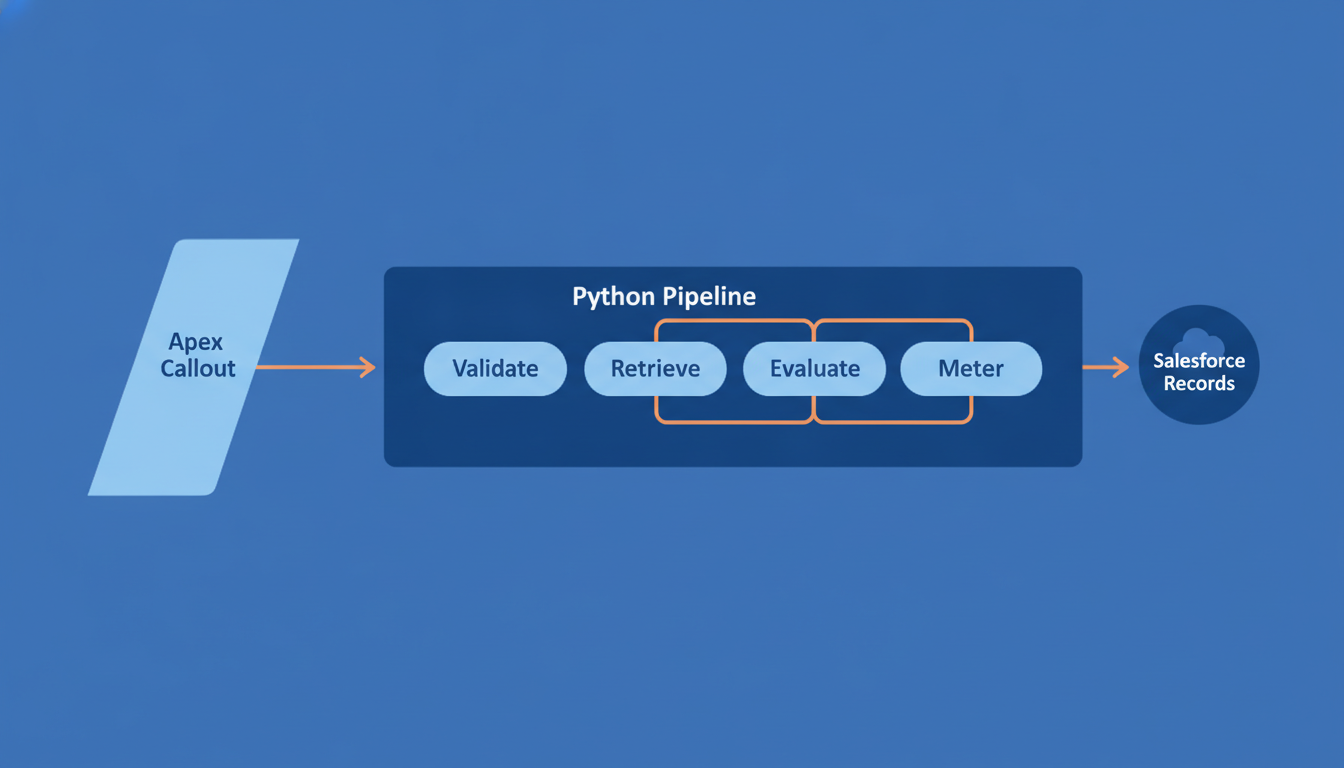
Calling an LLM From Apex: Where Python Still Wins
Apex makes the HTTP call to an LLM in about twenty lines. Everything that decides whether the feature survives — validation, retrieval, evals, cost — is the part Python still owns.
 Salesforce
Day 15/15 — Build a Complete Headless Salesforce AI Assistant
The capstone: a Next.js assistant that signs in with PKCE, lets Claude call Salesforce hosted MCP servers as the user, and asks before every write.
Comments
Loading comments...