Winter '27: Agentforce Agents as MCP Tools in Claude
Salesforce MCP now works both ways: Winter '27 lets you expose an Agentforce agent as a tool that Claude, ChatGPT or Cursor can call. Setup path, schema behaviour and two catches.

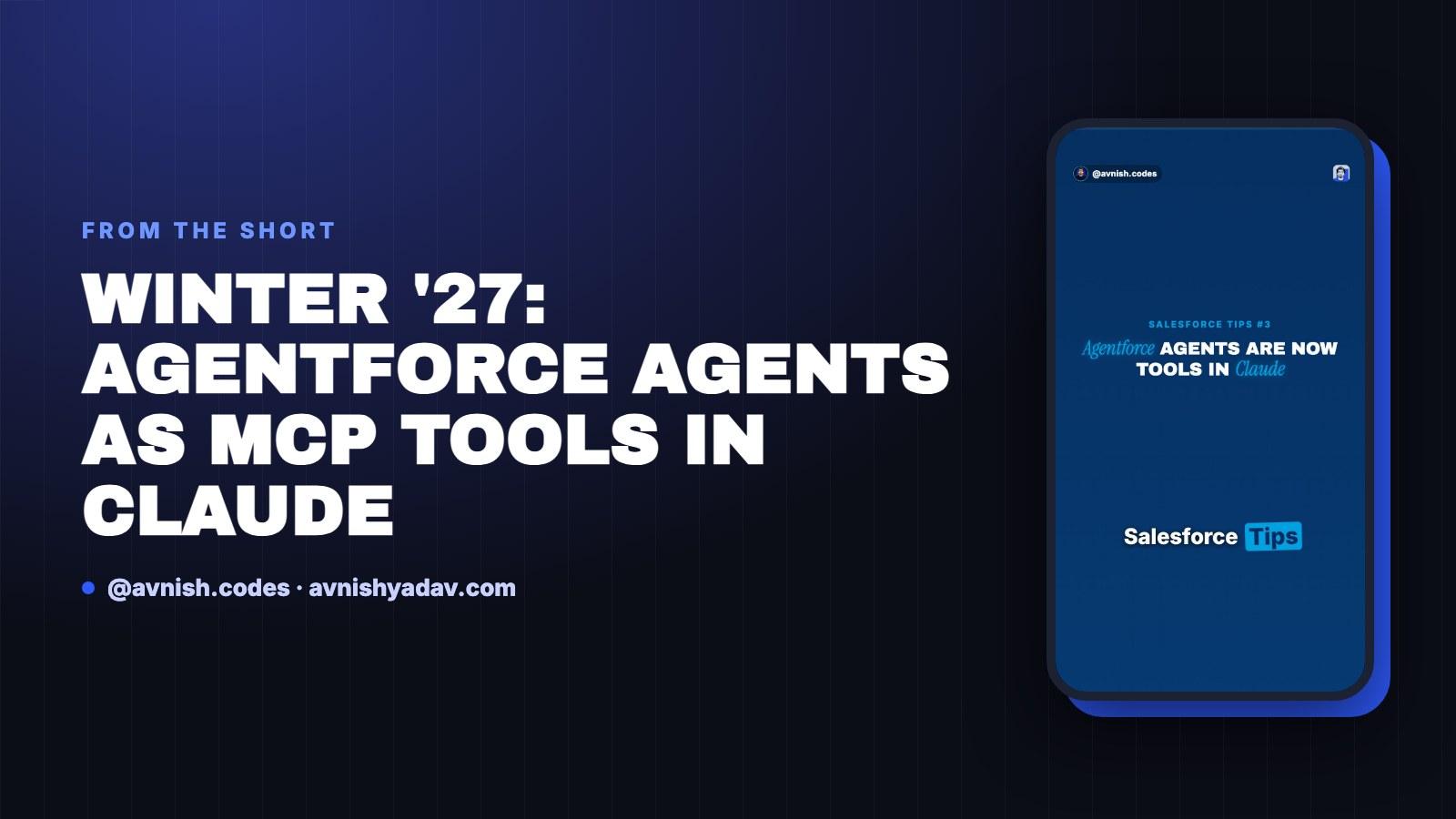
Salesforce MCP worked in one direction: Salesforce as the client, reaching out to MCP servers. Winter '27 adds the other direction — an Agentforce agent that any MCP client can call as a tool.
That means Claude, ChatGPT and Cursor can invoke an agent you already built. Below is the setup path, how the parameter schema is generated, what happens to security at call time, and the two catches that decide whether you can ship it.
MCP on Salesforce is now bidirectional
Until now, MCP on Salesforce was one-way. Salesforce acted as the client and connected out to MCP servers — the org reaching for tools that live somewhere else. The client/server/tool split behind that direction is covered in MCP fundamentals: client, server, tools and resources.
Winter '27 adds the reverse: an Agentforce agent exposed outward, callable by any MCP client.
In practice, your Agentforce agent becomes a tool with a name, a description and a parameter schema. The client does not need to know anything about your org — it just needs to speak MCP.
That is a bigger shift than it sounds. The org stops being only a consumer of someone else's tools and becomes a provider of one. The logic you already built and tested stays exactly where it is; MCP becomes a surface on top of it.
The setup path: Setup → Integration → Salesforce MCP Servers

The exposure flow is short. There is no Apex class to write and no separate registration endpoint to host:
- Go to Setup, then Integration, then Salesforce MCP Servers.
- Add a tool.
- Set the backing type to Agentforce Agent.
- Name it and describe it.
- Publish.
That is the whole flow. The agent you already built and tested is what gets exposed — you are not rebuilding logic, you are publishing a callable surface on top of it.
It helps to see the contrast with the hand-built route. When you write custom MCP tools over Apex and Flow, you own the tool definition, the inputs and the error handling yourself (Custom MCP tools with Apex and Flow). Here, the agent is the definition. You pick a backing type and publish; you do not author a tool from scratch.
Name the job, not the department

This is the part most people get wrong. External models pick tools by name and description only. They do not read your agent's internals, your topics, your instructions, or your object model.
So skip one generic "Sales Agent" that theoretically does everything. Name the job instead. "Schedule Customer Meeting" tells the model exactly when to reach for the tool. "Sales Agent" tells it nothing, and a model with nothing to go on will either ignore the tool or call it at the wrong moment.
The description does the same work for edge cases: what the tool needs, when it should be used, when it should not. Write it for a reader who has never opened your org and never will.
The parameter schema comes from the same place. When Claude calls Schedule Customer Meeting, your agent's required inputs become the tool's parameter schema. You are not maintaining a separate JSON schema by hand — the inputs you define inside the agent are the contract the client sees.
That has a practical consequence: an input that is required inside the agent becomes a required argument at call time. If you make something required that the model cannot reasonably infer from the conversation, the call fails or the model fills it with something wrong. Keep required inputs to what the caller genuinely has.
So the design review for an exposed agent is short. Read the name, read the description, list the required inputs. If all three survive a stranger's reading, the tool is close to shippable. If not, tuning instructions deeper inside the agent will not rescue the call — the client never sees that layer.
Every call runs as the authenticated user

The security model does not change because the caller is an external model. Every call runs as the authenticated user, and sharing rules, field-level security and the Einstein Trust Layer still apply.
So there is no elevation and no bypass. If the calling user cannot see a record in the UI, the agent cannot see it through the tool either. Test with a restricted user before you demo with an admin account — an admin session will happily hide every permissions gap you have. The least-privilege patterns in the security architecture walkthrough apply here unchanged, because the runtime does not care where the request came from.
Two catches before you ship
Only Agent Script Builder agents can be exposed. If your agent was built another way, it is not eligible to become a tool yet. Check how the agent was authored before you plan the integration — it is a five-minute check that decides whether the rest of the design work is worth doing.
The guide says neither beta nor GA. It does not label the feature as beta and it does not label it as generally available. Treat that as unresolved for production planning — fine for a pilot, risky as a committed dependency. If a stakeholder asks for a status, the honest answer is that the guide does not give one, and that is an argument for a scoped pilot rather than a committed dependency.
One tool, three clients. Claude, ChatGPT, Cursor. Same agent, same name, same schema, three different surfaces. If you build sales or support agents, this is your integration layer: you define the job once and every MCP client that speaks the protocol can call it, without a bespoke connector per product.
Quick recap:
- MCP on Salesforce was one-way; Winter '27 adds the agent-as-tool direction.
- Path: Setup → Integration → Salesforce MCP Servers → Add tool → backing type Agentforce Agent → name, describe, publish.
- External models pick tools by name and description only — name the job, not "Sales Agent".
- The agent's required inputs become the tool's parameter schema.
- Calls run as the authenticated user; sharing rules, field-level security and the Einstein Trust Layer still apply.
- Catches: only Agent Script Builder agents can be exposed, and the guide labels it neither beta nor GA.
Get the cheat sheet (PDF)
Agentforce Agents as MCP Tools
All 3 parts in this series
- Part 01Apex Governor Limits: Why Query 101 Kills Your Transaction
- Part 02Apex Heap Limit Raised to 10 MB in Winter '27
- Part 03Winter '27: Agentforce Agents as MCP Tools in Claude

AI Automation Engineer & Salesforce Developer
Salesforce developer since June 2018. I build AI agents, n8n workflows and Salesforce integrations, and write up what holds up in real use.
Related posts
 Salesforce
Day 13/15 — Headless 360 + Agentic AI Architecture
One assistant, a planner with tools, or several agents? Where Agentforce fits, what the beta Headless 360 MCP Server changes, and native React versus Next.js.
 Apex
Apex Heap Limit Raised to 10 MB in Winter '27
Winter '27 raises the Apex heap limit from 6 MB to 10 MB synchronously and 12 MB to 25 MB asynchronously. Nothing to enable — here's what actually fits now.
 Salesforce
Day 14/15 — Production Architecture: Governance, Monitoring & Error Handling
Take a Salesforce AI assistant to production: who approves tools, what Salesforce logs, how to classify and retry errors, and which limits and costs to plan for.
Comments
Loading comments...