LLMs vs AI agents vs workflows: which one are you building?
An LLM labels the intent. A workflow routes it down a fixed path. An agent picks a tool and loops. Here's how to tell which one you're actually building.

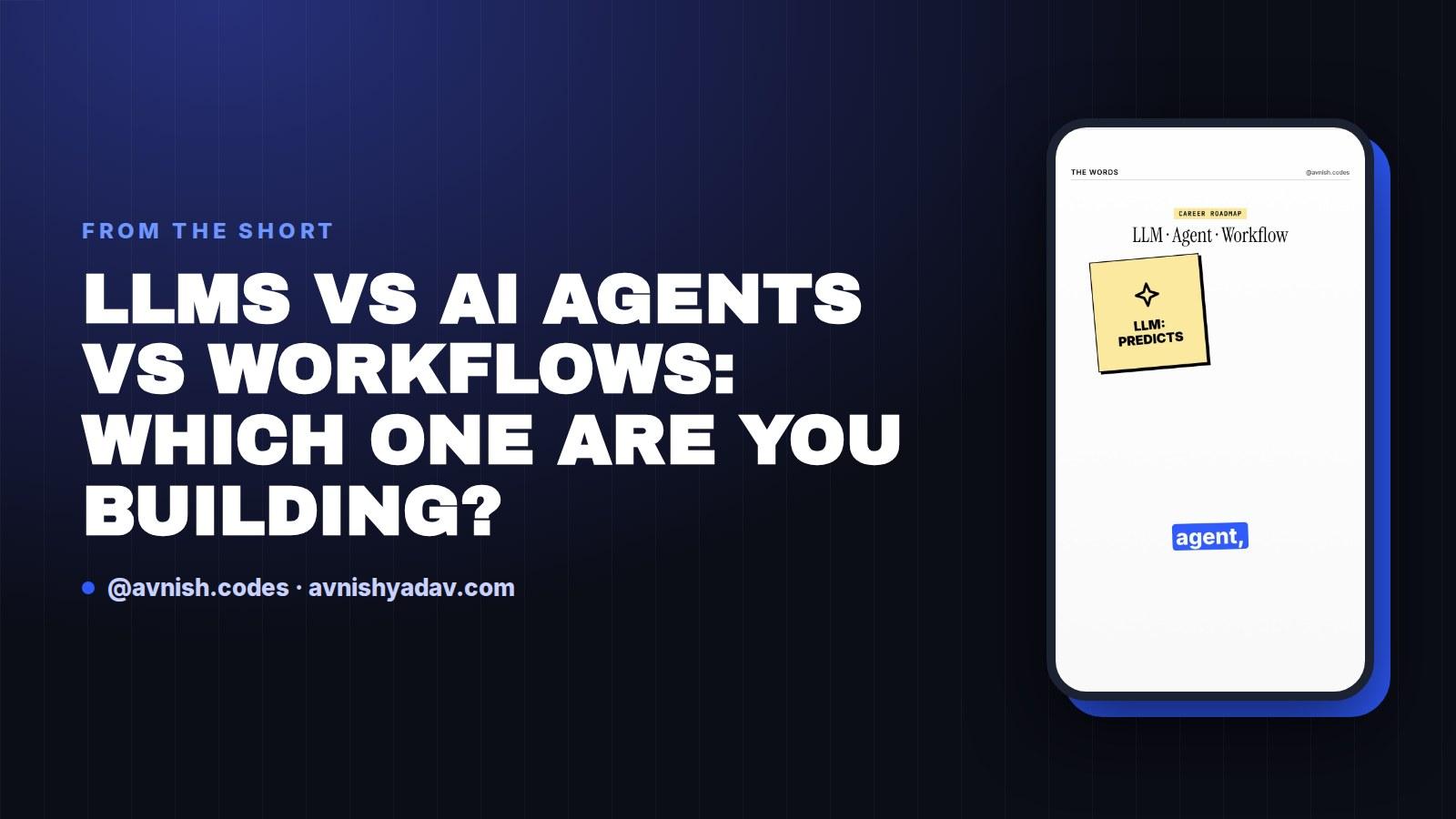
Most teams that say they're building an agent are shipping a workflow with a friendlier prompt. The difference matters at review time: one of these you can pin down with unit tests, the other you have to evaluate. Here's the split, using a single refund request as the running example the whole way through.
The LLM: it labels, it doesn't act
An LLM takes text in and produces text out. On a refund request, the model reads the ticket and labels the intent — refund, replacement, or escalation. That is the entire job. It doesn't call the payment system, it doesn't choose a path, it doesn't retry when something looks off.
If your system only needs text turned into a decision, an LLM call plus output parsing is the whole build. Everything you add on top of that is a choice, not a requirement.
Why it matters: a classification call is the cheapest piece in the system to test. Same input, same expected label. Prompt and model version are the only variables you're tuning.
The workflow: the path is fixed
A workflow takes that label and routes it down a path you wrote: refund → refund step, replace → replacement step, escalate → human queue. Same steps, every single time. The order lives in your code or workflow config, not in a decision made at runtime.
This is the most testable thing you can build, because given a label you can assert the exact sequence of steps that follows. Given a bad label you get a wrong-but-predictable outcome, which is a bug you can find and fix.
Where the fixed path breaks
The workflow stalls the moment a ticket doesn't fit one lane. One ticket contains a refund request, a chargeback, and an angry email. No rule covers the combination, so there's no move for "something I didn't anticipate." It either drops to the default branch or throws to a human.
This isn't a prompt-quality problem. Adding branches just adds edge cases, and the number of combinations grows faster than the rules do.
The agent: tools, a goal, and a loop
Hand the model tools and a goal and it becomes something else. It picks a tool, reads the result, and decides the next step — retry if the result is wrong, stop if the goal is met. That loop is the agent. It handles the messy ticket because it chooses its own route: check the refund, notice the chargeback flag, escalate.
The tradeoff is real. You can no longer assert a fixed sequence of steps. Testing moves from "did it call these functions in this order" to "did it reach the right outcome, inside the tools it was allowed to touch." Tool permissions and a cap on loop iterations become part of the design, not something you bolt on later.
The line to keep on a sticky note: a workflow never decides — you do. An agent decides, which is exactly why it needs guardrails a workflow never needed.
What to test in each
- LLM: label accuracy over a fixed ticket set; assert the parsed output shape.
- Workflow: unit tests on the router — given a label, assert the next step.
- Agent: outcome tests over a scenario set, plus assertions on the max number of tool calls and which tools were reachable at all.
How to choose
- Text in, text out → LLM call, parse the result, ship it.
- Path is knowable and volume is high → workflow, with an LLM at the front doing triage.
- The next step depends on what the last step returned → agent, with an iteration cap and an explicit tool allowlist.
And keep the workflow for the tickets that fit the lanes. Run the agent only on the residue that falls out of them. That's cheaper to run and much easier to debug than pushing every ticket through a loop.
Quick recap
- LLM: reads and labels. No tools, no path, no retry.
- Workflow: fixed path, same steps every time, fully testable.
- It breaks on combined tickets — refund + chargeback + angry email has no rule, so it stalls.
- Agent: tools + goal + a loop that picks, reads the result, and retries.
- A workflow never decides; you do. An agent decides, so cap the loops and allowlist the tools.
- Route the common lanes through the workflow, the residue through the agent.
Get the cheat sheet (PDF)
LLM vs Workflow vs Agent
All 5 days in this series
- Day 015 Chinese AI Models You Can Download Right Now (Open Weights)
- Day 02RemoveMacAI: remove Apple Intelligence on macOS 27
- Day 03LLMs vs AI agents vs workflows: which one are you building?
- Day 04Apex Governor Limits: Why Query 101 Kills Your Transaction
- Day 05What Is a Token in an LLM? Tokens vs Words, Explained
Related posts
What Is a Token in an LLM? Tokens vs Words, Explained
The model never reads your words — a tokenizer cuts text into chunks first. Here's how tokens drive your API bill, context window and rate limits.
 Salesforce
Apex Governor Limits: Why Query 101 Kills Your Transaction
Sync Apex gets 100 SOQL queries, 150 DML statements, 10 seconds of CPU and 6 MB of heap per transaction. Cross the line and the whole transaction rolls back.
RemoveMacAI: remove Apple Intelligence on macOS 27
A Swift CLI by omlahore that disables Apple Intelligence daemons, clears cached on-device models and returns the disk space — with an undo line printed before it exits.
Comments
Loading comments...