Apex Governor Limits: Why Query 101 Kills Your Transaction
Sync Apex gets 100 SOQL queries, 150 DML statements, 10 seconds of CPU and 6 MB of heap per transaction. Cross the line and the whole transaction rolls back.

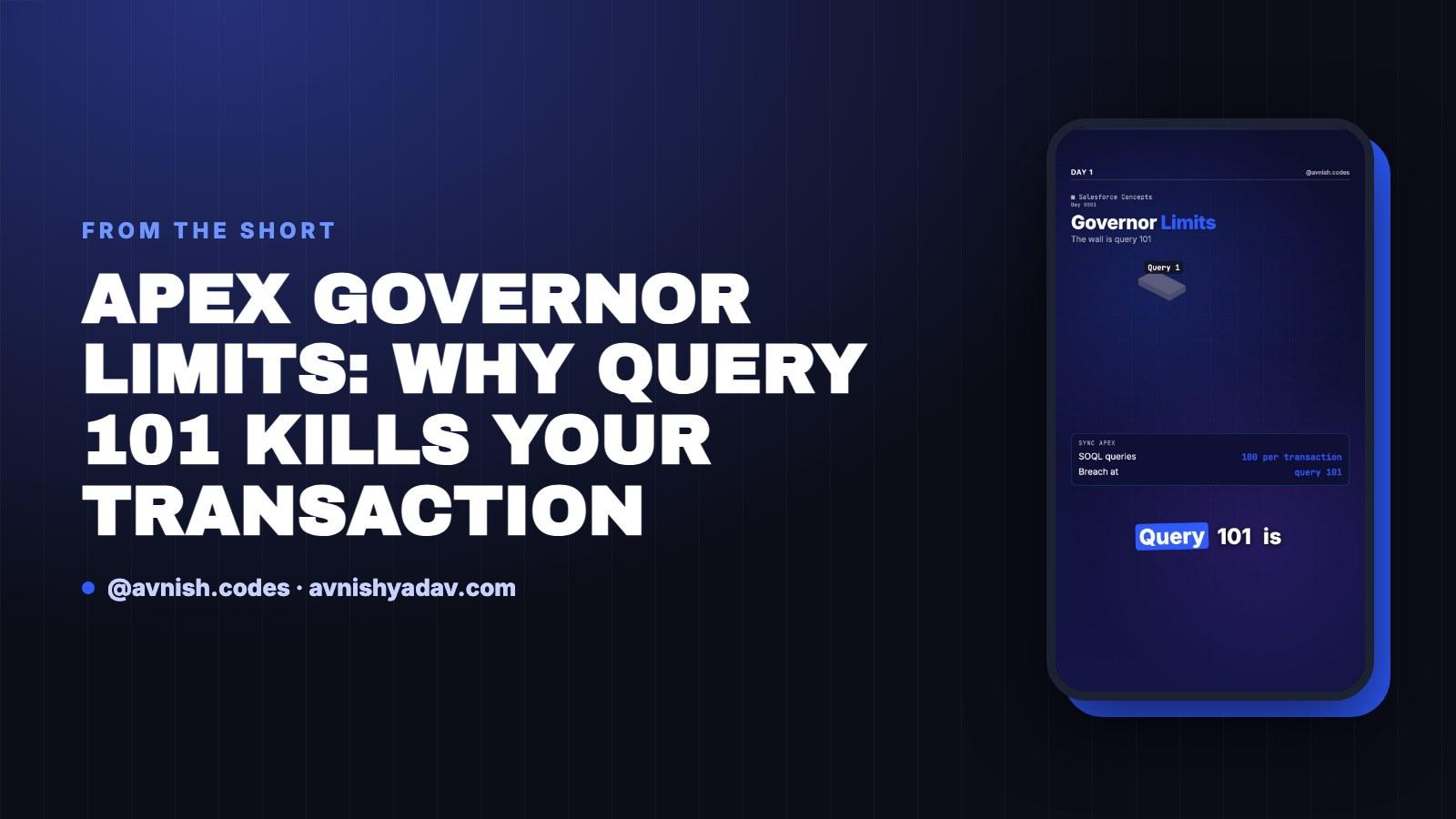
Every Apex transaction starts with a fixed budget, and that budget is a governor limit. You don't get a warning when it runs out — you get an exception. This is Day 1 of Salesforce Concepts: the numbers, why they exist, and the one pattern (bulkification) that keeps you under them.
The budget every Apex transaction starts with
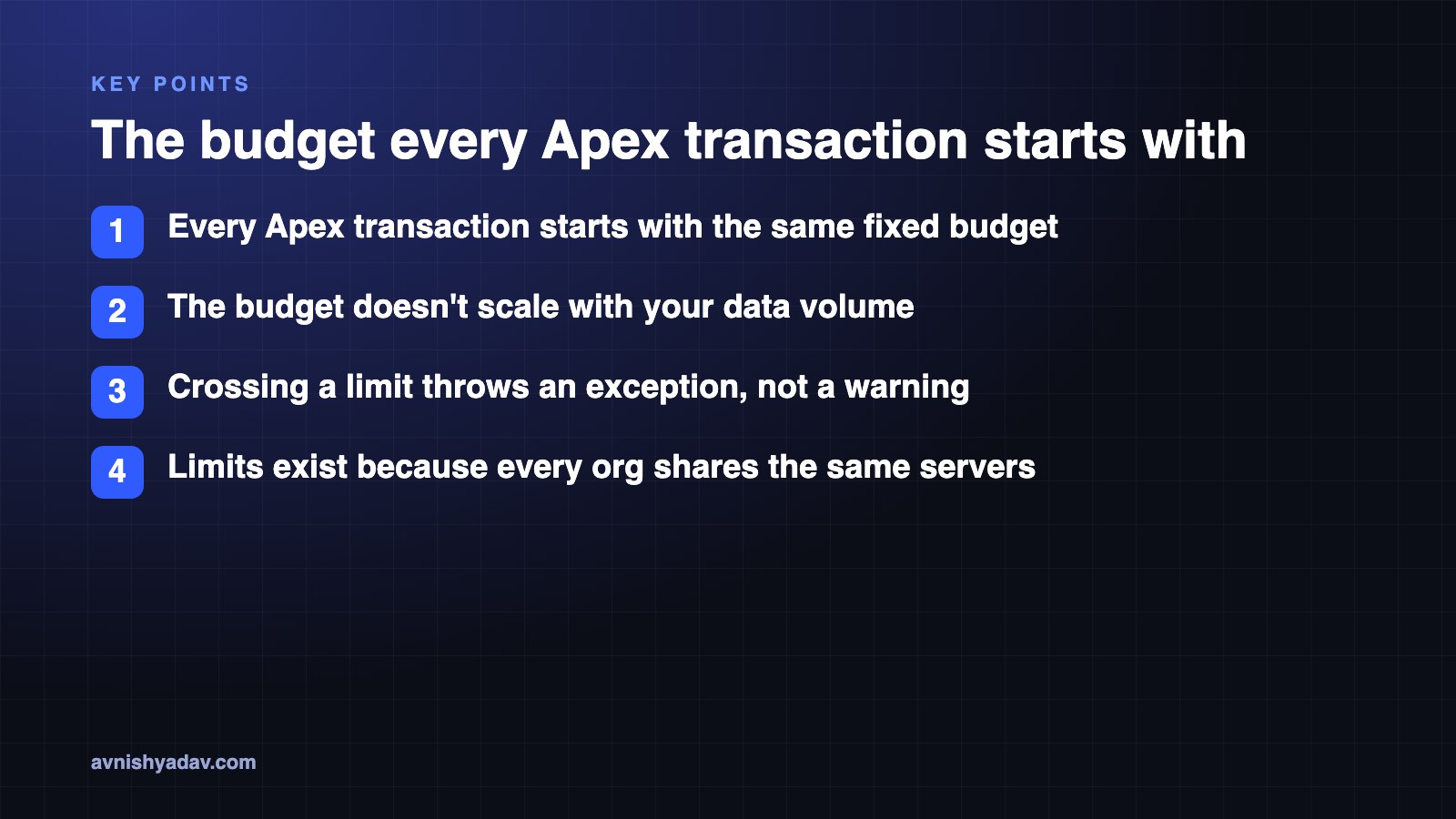
A governor limit is a hard ceiling on the resources one transaction is allowed to consume. It's not a soft target and it doesn't scale with your data volume. Every Apex transaction starts with the same fixed budget, and the moment you cross it, the runtime throws.
Two words in that sentence carry all the weight: fixed and transaction. The budget isn't sized to how many records you pass in, and it isn't a daily allowance you spend down in the morning and top up in the afternoon. A transaction — one unit of work, from the moment it starts executing to the moment it commits or rolls back — gets the budget, and only that transaction gets it. Start a new transaction and you start with a full budget again. There's no carry-over in either direction.
Why limits exist: everyone shares the servers
Salesforce runs every customer org on shared servers. Without per-transaction limits, a single badly written loop in one org could consume the resources the rest of the platform depends on. Limits are the mechanism that stops one org from sinking the rest.
That framing matters when you're debugging. A limit exception isn't the platform being stingy — it's the platform enforcing the boundary that keeps multi-tenant infrastructure predictable. It's also why the ceiling doesn't move for you when your data grows: the same budget covers a 5-record transaction and a 200-record one.
What spends the budget — and what happens when you cross the line
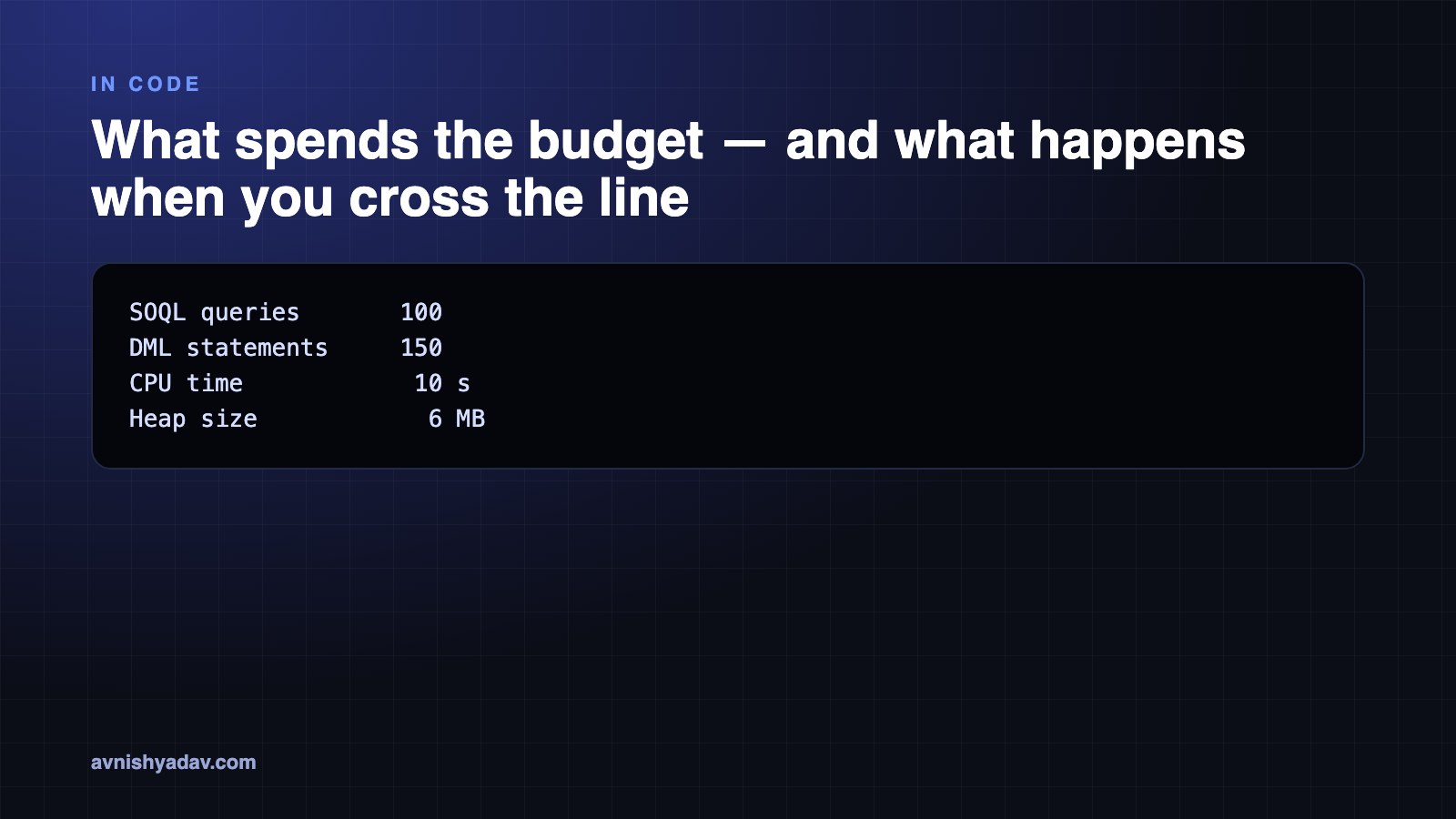
Four resources come out of the same transaction budget:
- SOQL queries
- DML statements
- CPU time
- Heap size
The important part: it does not refill mid-transaction. You start with the full budget and it only goes down until the transaction ends.
For synchronous Apex the numbers are:
SOQL queries       100
DML statements     150
CPU time            10 s
Heap size            6 MB
DML is counted in statements, not records — inserts, updates and deletes all draw from the same 150. The 101st SOQL query throws. The 151st DML statement throws.
Note the unit. A single insert statement covering 200 records costs one DML statement, while 200 separate inserts inside a loop cost 200. The limit measures how many times you ask the database to do something, not how much data you hand it. Creating and updating Salesforce data safely is where that distinction stops being trivia and starts being the design.
When you cross the line, the failure is total. If you don't handle the exception, it rolls back the entire transaction — every record, not just the last one you touched. That's the part that surprises people: a transaction that processed 199 records correctly and failed on number 200 leaves you with zero committed records.
And the counters reset per transaction, not per loop. All counters reset with each new transaction. A loop doesn't get a fresh budget per iteration — it just spends the same budget faster. That's why the shape of your code matters more than the size of your data.
The loop trap: 200 records, 200 queries
A query inside a loop runs once per record. Process 200 records and issue one SOQL query per record, and you've spent 200 queries against a budget of 100. The transaction dies halfway through. The same math applies to DML inside a loop.
Worth sitting with the arithmetic for a second. The code doesn't fail because 200 records is a lot — it fails because there are twice as many queries as the budget allows, and it fails at query 101, which means it dies partway through, which means the rollback takes the first hundred records with it. The same input size, written differently, would have cost a single query.
Watch the counters climb: turn on debug logs. The logs show you the counters as they climb, so you can see exactly where a transaction is spending its budget instead of guessing after it fails.
Bulkify instead
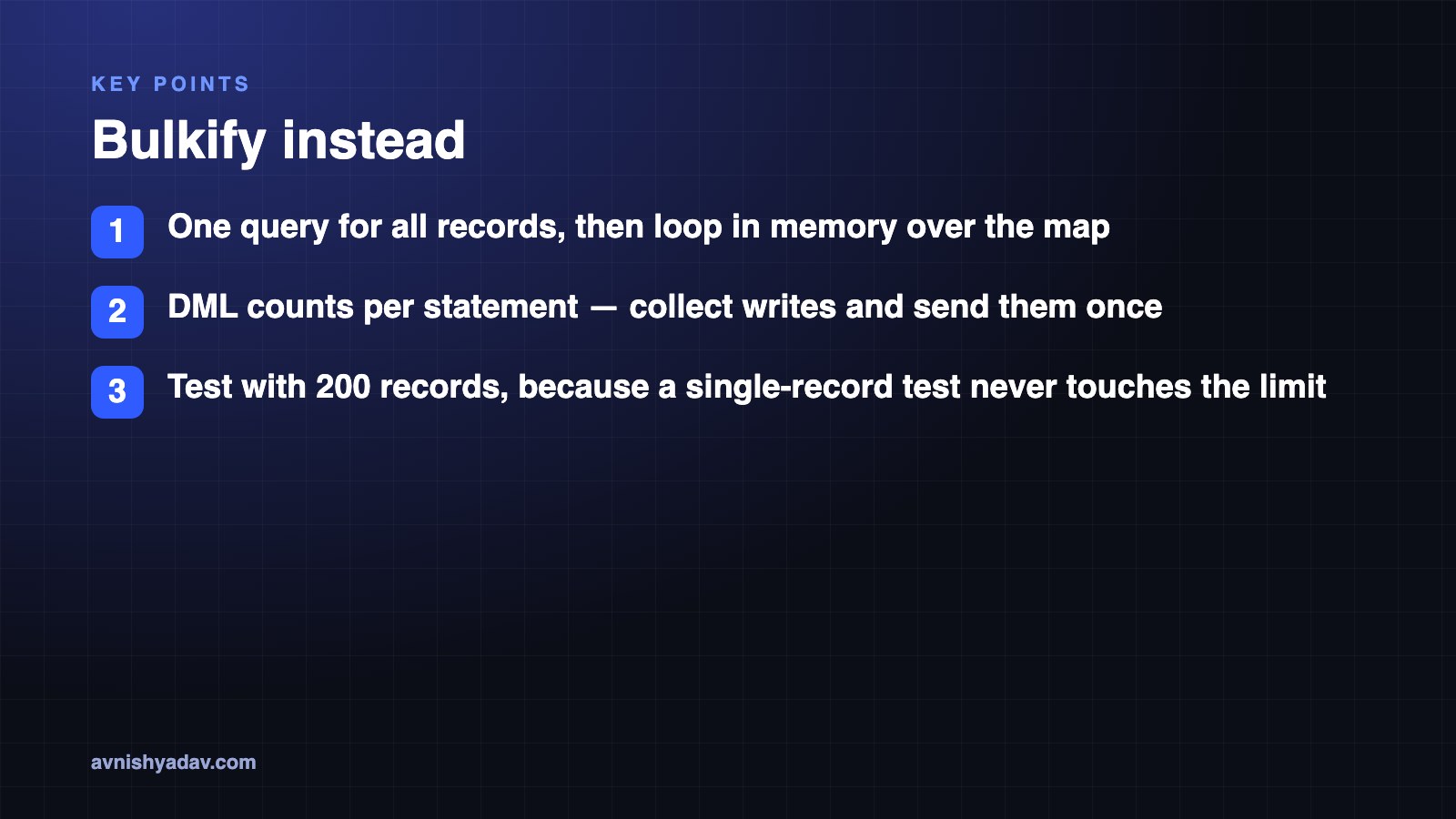
The fix is one query for all your records, then loop in memory over the result. Query once, build a map, and work against that map inside the loop. One query, no matter how many records arrive.
Bulkification is the name for that shape of code, and it's the pattern that turns a limit exception into something you never see. The loop still exists — it just stops talking to the database on every iteration. Everything that needs a query has already been fetched; everything that needs a write gets collected and sent in one statement at the end.
Then test with 200 records, not 1. A single-record test never touches the limit; a 200-record test tells you whether your code survives the bulk case it will actually meet in production. It's the same reasoning that drives Apex, LWC and system design interview questions, where the answer is almost never "it works on one record."
Quick recap
- Sync Apex budget: 100 SOQL queries, 150 DML statements, 10 seconds CPU, 6 MB heap.
- The budget does not refill mid-transaction; counters reset only with a new transaction.
- The 101st query throws, and an unhandled exception rolls back every record.
- A query inside a loop runs once per record: 200 records, 200 queries.
- Bulkify: one query, then loop in memory.
- Test with 200 records, not 1.
- Turn on debug logs to watch the counters.
The video ends on a quiz: async Apex gets a bigger SOQL budget — how many queries? That's Day 2.
Get the cheat sheet (PDF)
Apex Governor Limits: Why Query 101 Kills Your Transaction
All 5 days in this series
- Day 015 Chinese AI Models You Can Download Right Now (Open Weights)
- Day 02RemoveMacAI: remove Apple Intelligence on macOS 27
- Day 03LLMs vs AI agents vs workflows: which one are you building?
- Day 04Apex Governor Limits: Why Query 101 Kills Your Transaction
- Day 05What Is a Token in an LLM? Tokens vs Words, Explained
Related posts
 Salesforce
Day 15/15 — Build a Complete Headless Salesforce AI Assistant
The capstone: a Next.js assistant that signs in with PKCE, lets Claude call Salesforce hosted MCP servers as the user, and asks before every write.
Day 12/15 — Custom MCP Tools + Apex/Flow Business Logic
Publish your own Apex and Flow logic as tools on a custom Salesforce hosted MCP server, so the model calls your business rules instead of inventing them.
LLMs vs AI agents vs workflows: which one are you building?
An LLM labels the intent. A workflow routes it down a fixed path. An agent picks a tool and loops. Here's how to tell which one you're actually building.
Read Article
Comments
Loading comments...