Salesforce Developer Interview Questions: Apex, SOQL and LWC Answered
The questions Salesforce developer interviews keep coming back to, with answers: Apex triggers and async Apex, SOQL and governor limits, LWC lifecycle and communication, order of execution and data security.


I remember my first really challenging Salesforce developer interview. I’d spent countless hours on Trailhead, built out a few impressive projects in my dev org, and thought I had a solid grasp of the platform. Then came the curveball questions: not just about *what* an Apex trigger does, but *why* you’d choose a specific trigger framework, or the nuances of LWC lifecycle hooks when data is involved. It wasn't just about syntax; it was about the architectural implications, the 'why' behind every choice. Honestly, I walked out feeling like I'd just scratched the surface.
That experience stuck with me. Since then, I’ve built a career around automating processes and developing robust solutions on the Salesforce platform. I've also been on the other side of the interview table, both as a candidate and an interviewer. What I’ve seen time and again is a gap between theoretical knowledge and the practical understanding required to excel. Developers often struggle to articulate their thought process or connect specific code examples to broader architectural principles.
The Salesforce Interview Gauntlet: Why It's So Tough
The problem is clear: Salesforce isn't just a platform; it's an ecosystem. For developers, this means mastering everything from the declarative point-and-click tools that impact your code, to the intricacies of Apex, SOQL, Lightning Web Components (LWC), and the underlying architectural governance. Interviewers aren't just looking for someone who can write code; they're looking for someone who understands the fundamental principles of the Salesforce platform, how to build scalable solutions, and how to debug complex issues efficiently.
This isn't just about getting a job; it's about demonstrating competence that translates directly into project success. A developer who understands governor limits from the get-go writes better code, prevents critical production issues, and ultimately delivers more reliable solutions. Whether you're a junior developer aiming for your first role, or a seasoned architect leading complex implementations, understanding these core concepts is non-negotiable.
Beyond Syntax: Architectural Concepts and Practical Examples
Let's break down some key areas you absolutely need to master, with concrete examples that demonstrate understanding beyond just memorization.
Apex: Triggers, Asynchronous Processing, and Best Practices
Salesforce interviews will always test your Apex knowledge. It's not enough to know how to write a basic trigger; you need to understand trigger frameworks, order of execution, and when to use asynchronous Apex.
Example: Trigger Framework with Context and Handler Pattern
Instead of a simple trigger with business logic directly inside, demonstrate a framework. This shows an understanding of scalability and maintainability.
// AccountTrigger.trigger
trigger AccountTrigger on Account (before insert, before update, after insert, after update) {
    if (Trigger.isBefore) {
        if (Trigger.isInsert) {
            AccountTriggerHandler.onBeforeInsert(Trigger.new);
        } else if (Trigger.isUpdate) {
            AccountTriggerHandler.onBeforeUpdate(Trigger.new, Trigger.oldMap);
        }
    } else if (Trigger.isAfter) {
        if (Trigger.isInsert) {
            AccountTriggerHandler.onAfterInsert(Trigger.new);
        } else if (Trigger.isUpdate) {
            AccountTriggerHandler.onAfterUpdate(Trigger.new, Trigger.oldMap);
        }
    }
}

// AccountTriggerHandler.cls
public class AccountTriggerHandler {
    public static void onBeforeInsert(List<Account> newAccounts) {
        for (Account acc : newAccounts) {
            if (acc.AnnualRevenue == null) {
                acc.AnnualRevenue = 0.0; // Defaulting revenue
            }
        }
    }

    public static void onAfterInsert(List<Account> newAccounts) {
        // Potentially call future methods or queueables here
        // for heavy operations like updating related contacts
        updateRelatedContactsAsync(newAccounts);
    }

    @future
    private static void updateRelatedContactsAsync(List<Account> accounts) {
        // Complex logic to update contacts related to these accounts
        // ... (implementation details omitted for brevity)
    }

    public static void onBeforeUpdate(List<Account> newAccounts, Map<Id, Account> oldAccountsMap) {
        // Logic specific to before update
    }

    public static void onAfterUpdate(List<Account> newAccounts, Map<Id, Account> oldAccountsMap) {
        // Logic specific to after update
    }
}
The docs don't tell you this, but... while the handler pattern is great, it’s also crucial to understand the Salesforce Order of Execution. A trigger fires, then validation rules, then workflows, then processes, then flows, and then commits. If your trigger changes a field that a validation rule then flags, your trigger might effectively 'fail' the save operation even if its own code executes perfectly. Keep this in mind for debugging!
SOQL: Efficiency and Data Security
Knowing how to write a simple SOQL query isn't enough. You need to write efficient, selective queries and understand SOQL injection prevention, and how to enforce object and field-level security.
// Efficient SOQL with relationship queries and security enforcement
List<Account> accountsWithContacts = [
    SELECT Id, Name, (SELECT Id, FirstName, LastName, Email FROM Contacts)
    FROM Account
    WHERE AnnualRevenue > 100000
    WITH SECURITY_ENFORCED
    LIMIT 200 // Always consider limits, even if not explicitly a governor limit here
];

// Example of querying related lists
for (Account acc : accountsWithContacts) {
    System.debug('Account: ' + acc.Name);
    for (Contact con : acc.Contacts) {
        System.debug('  Contact: ' + con.FirstName + ' ' + con.LastName);
    }
}
The WITH SECURITY_ENFORCED clause is a relatively new and powerful addition that enforces FLS and OLS for the running user, preventing common security vulnerabilities. Honestly, this tripped me up when it first came out because I was so used to manual checking with isAccessible() and isUpdateable() methods. While those methods are still useful for granular checks, WITH SECURITY_ENFORCED provides a cleaner, more robust approach for query results.
LWC: Component Lifecycle, Data Flow, and Inter-component Communication
Lightning Web Components are the future (and present) of UI development on Salesforce. You need to understand the component lifecycle, how to handle data with the wire service, and how components communicate.
// myAccountList.js
import { LightningElement, wire } from 'lwc';
import getAccounts from '@salesforce/apex/AccountController.getAccounts';

export default class MyAccountList extends LightningElement {
    @wire(getAccounts)
    accounts;

    handleAccountSelection(event) {
        const selectedAccountId = event.detail;
        // Logic to navigate or pass to another component
        console.log('Selected Account ID:', selectedAccountId);
        const selectEvent = new CustomEvent('accountselected', {
            detail: selectedAccountId
        });
        this.dispatchEvent(selectEvent);
    }
}
<!-- myAccountList.html -->
<template>
    <lightning-card title="My Accounts" icon-name="standard:account">
        <template if:true={accounts.data}>
            <lightning-datatable
                key-field="Id"
                data={accounts.data}
                columns={columns}
                onrowaction={handleAccountSelection}>
            </lightning-datatable>
        </template>
        <template if:error={accounts.error}>
            <div>Error loading accounts: {accounts.error.body.message}</div>
        </template>
    </lightning-card>
</template>
Key LWC concepts to ace: the difference between @track, @api, and @wire; component composition; handling events (both standard DOM events and custom events); and understanding when to use an imperative Apex call versus the wire service.
Implementation Guidance: How to Really Prepare
So, how do you translate this knowledge into interview success? It's about preparation, practice, and presentation.
- Hands-On Practice is King: Don't just read about it. Spin up a free Developer Org and build things. Recreate scenarios, debug existing code, and intentionally try to break governor limits to understand their impact.
- Understand the 'Why': For every concept (trigger frameworks, async Apex, LWC lifecycle), ask yourself *why* it exists, *what problem* it solves, and *when* you would use it. Interviewers will probe this deeper understanding.
- Review Salesforce Documentation: The official docs are gold. Pay special attention to the Developer Guide sections on Apex, SOQL, LWC, and particularly the "Governor Limits and Allocations" and "Order of Execution" documents.
- Mock Interviews: Practice explaining concepts and writing code on a whiteboard or shared editor. Articulate your thought process as you go. This helps you identify gaps in your communication, not just your knowledge.
- Contribute to Open Source/Personal Projects: Having real-world projects, even small ones, demonstrates your practical application of skills. Show them off!
Tradeoffs, Gotchas, and Failure Modes
No solution is perfect, and a good developer understands the compromises. Here are common pitfalls and considerations:
- Governor Limits: The bane of every Salesforce developer's existence. Not understanding how to bulkify Apex, manage SOQL queries, or avoid CPU time limits will lead to production failures. For example, a trigger that performs a SOQL query inside a loop without proper caching or querying strategy is a disaster waiting to happen.
- Order of Execution Surprises: As I mentioned, understanding when validation rules, workflows, flows, and triggers fire can prevent subtle bugs. A field update in a
before updatetrigger might be overwritten by a flow firing later in the transaction, leading to unexpected data. - Security Leaks: Forgetting to enforce OLS/FLS (
WITH SECURITY_ENFORCED,isAccessible(),stripInaccessible()) can expose sensitive data or allow users to update fields they shouldn't. This is a common and critical failure point. - Over-engineering vs. Under-engineering: Deciding when a declarative solution (Flow) is sufficient versus needing Apex can be tricky. Over-engineering with Apex for simple tasks adds unnecessary complexity; under-engineering with Flows for complex, high-volume scenarios can lead to performance issues or hit flow limits.
- Testing Gaps: Inadequate test coverage, especially not testing bulk scenarios or edge cases, means your code isn't truly robust. Always think about positive, negative, and boundary test cases.
Frequently Asked Questions
How do you handle large data volumes (LDV) in Apex without hitting governor limits?
For LDV, I primarily rely on asynchronous Apex, specifically Batch Apex and Queueable Apex. Batch Apex is ideal for processing millions of records by splitting them into smaller batches, each executing within its own governor limit context. Queueable Apex allows for chaining jobs and processing a larger dataset than a single transaction, useful for sequential operations or calling callouts. For real-time integration with LDV, I might explore platform events or external services with change data capture.
Explain the Salesforce Order of Execution. Why is it important for developers?
The Order of Execution dictates the sequence of events when a record is saved in Salesforce, from initial validation to final commit. It's crucial because understanding it helps predict how your code (Apex triggers), declarative automations (Flows, Process Builders, Workflow Rules), and standard validations will interact. Knowing the order prevents issues like triggers overwriting Flow-set values, helps in debugging, and guides you in choosing the correct automation tool for a specific requirement.
When would you use an Apex trigger over a Flow for automation?
While Flows have become incredibly powerful, I'd opt for an Apex trigger when the logic is highly complex, requires intricate looping, performs complex calculations, needs callouts to external systems that can't be handled by standard Flow actions, or needs precise control over transaction management and error handling. Apex also provides better performance for high-volume transactions and is generally more suitable for reusable, modular logic that adheres to design patterns like the Trigger Handler pattern.
What's the difference between connectedCallback and renderCallback in LWC?
connectedCallback() fires when a component is inserted into the DOM. It's a good place for initial setup, data fetching, or event listener registration. It runs once when the component is added to the page. renderCallback(), on the other hand, fires after every render of the component. This makes it suitable for tasks that need to run after the component's HTML elements have been updated, especially if you need to manipulate the DOM directly (though this should be used sparingly). It's important not to mutate state inside renderCallback() directly, as it can cause an infinite rendering loop.
How do you ensure data security in your Apex code?
Ensuring data security in Apex involves respecting the running user's permissions and preventing SOQL injection. I always use WITH SECURITY_ENFORCED for SOQL and SOSL queries to automatically enforce Object and Field-Level Security. For DML operations, I use stripInaccessible() to filter out records and fields the user can't access before performing updates. For more granular checks or when building dynamic queries, I explicitly use security methods like Schema.sObjectType.MyObject__c.isAccessible() and Schema.sObjectType.MyObject__c.fields.MyField__c.isUpdateable().
Your Next Step: Building, Breaking, and Mastering
The journey to becoming a top-tier Salesforce developer isn't about memorizing answers; it's about deeply understanding the platform's capabilities and limitations. I've built my career on finding the most efficient, automated ways to deliver solutions, and that often means pushing the boundaries of what's possible within Salesforce while respecting its architecture.
My advice? Don't just prepare for the interview; prepare for the job. Get your hands dirty. Pick one of the challenging concepts we discussed today – perhaps master asynchronous Apex or build a robust LWC component that fetches and manipulates data – and truly understand its nuances. Build it, test it, try to break it, and then fix it. That's how real expertise is forged. If you're looking to automate your Salesforce deployments or streamline your development process, apply these same principles of robust, scalable development.
Related posts
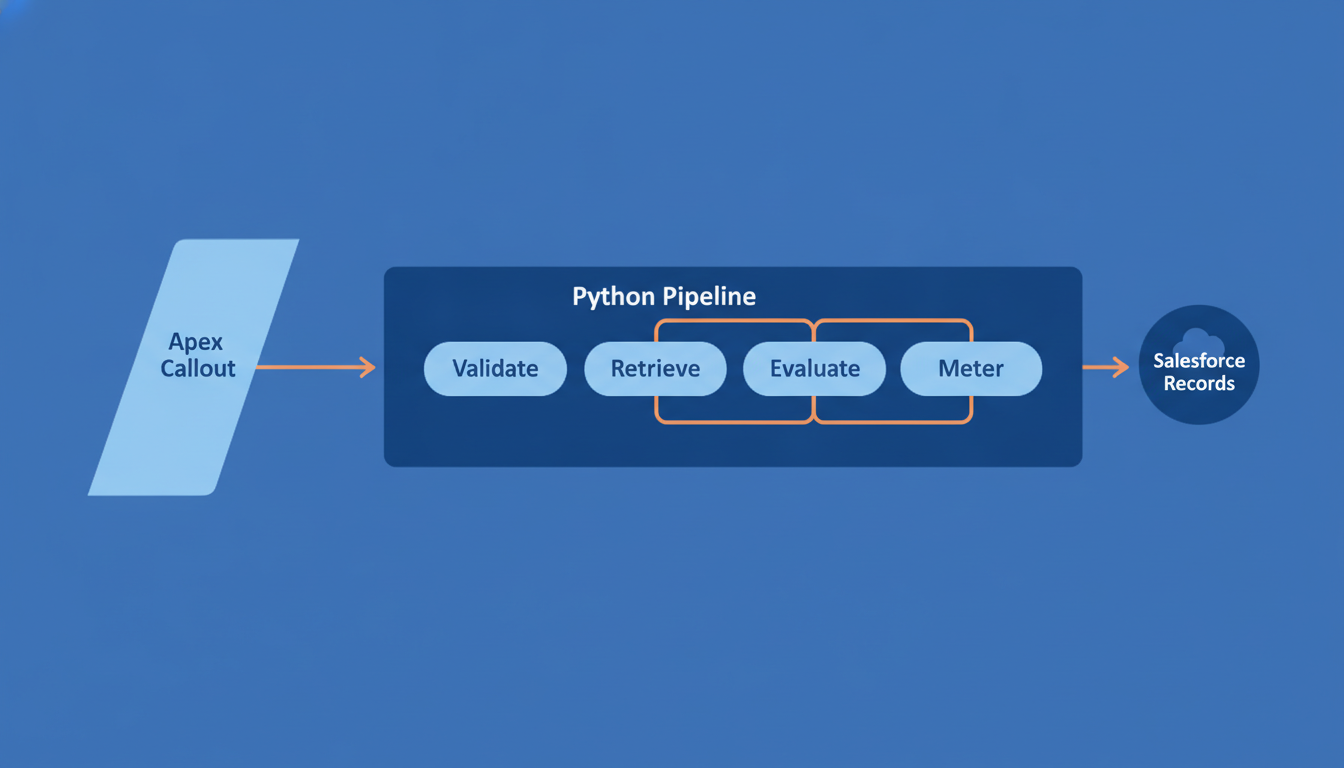
Calling an LLM From Apex: Where Python Still Wins
Apex makes the HTTP call to an LLM in about twenty lines. Everything that decides whether the feature survives — validation, retrieval, evals, cost — is the part Python still owns.
 Salesforce
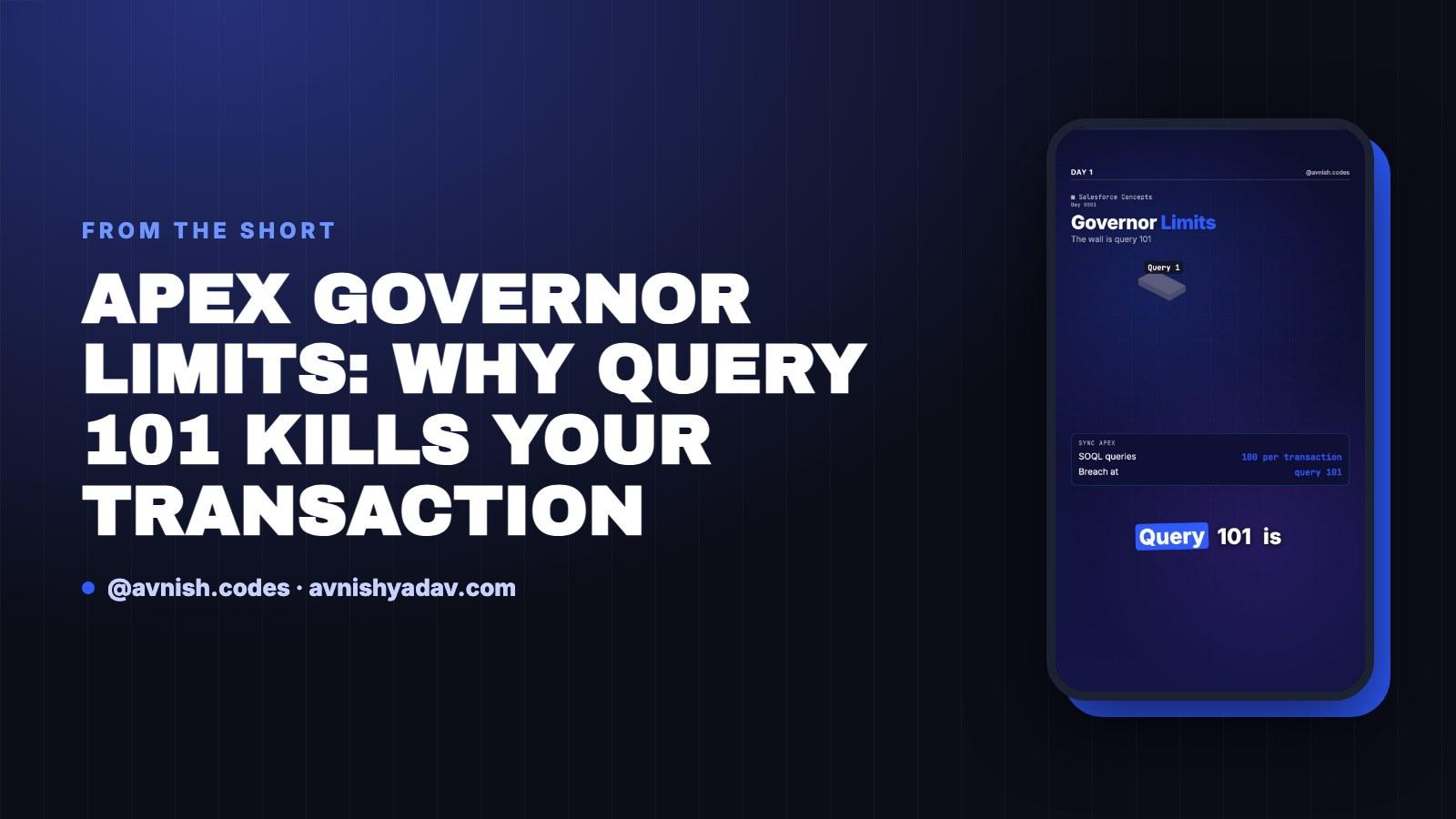
Apex Governor Limits: Why Query 101 Kills Your Transaction
Sync Apex gets 100 SOQL queries, 150 DML statements, 10 seconds of CPU and 6 MB of heap per transaction. Cross the line and the whole transaction rolls back.
 Salesforce
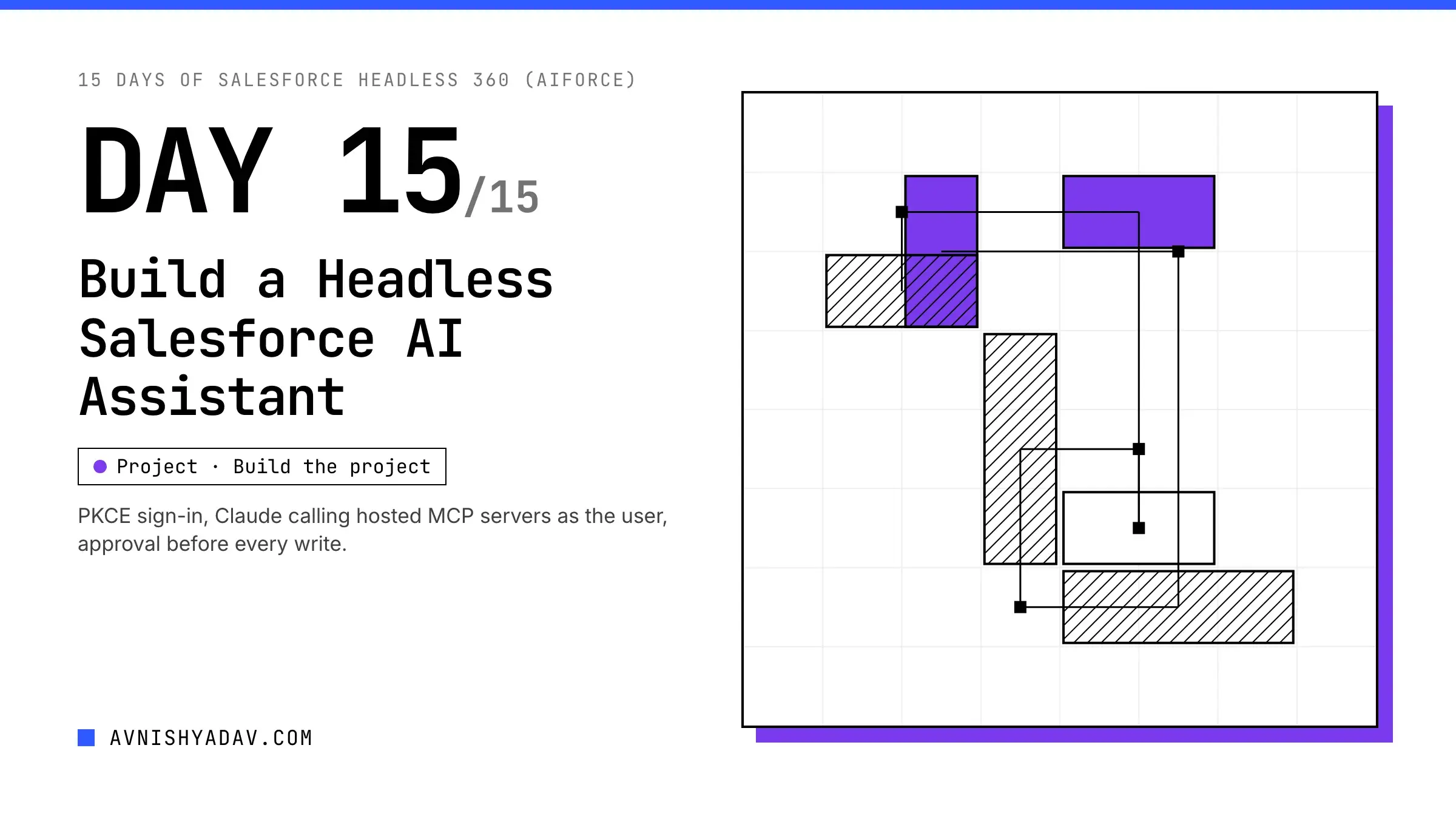
Day 15/15 — Build a Complete Headless Salesforce AI Assistant
The capstone: a Next.js assistant that signs in with PKCE, lets Claude call Salesforce hosted MCP servers as the user, and asks before every write.
Comments
Loading comments...